In short
- An AI crawler is a robot that fetches your pages. It does not run your analytics script, so a normal analytics tool cannot see it.
- The place that sees it is whatever answers the request: your server, CDN or edge code. Count the robots there, by their user agent.
- In trckable, one POST per robot request to
/api/crawlis enough. Only the robot's name, the page and the day are kept: no address, no cookie, no visitor. - Then read it next to the visitors AI assistants actually sent: see tracking traffic from ChatGPT and AI search.
Who to look for
Vendors publish their bots. The ones to expect:
- OpenAI:
GPTBotfor training data,OAI-SearchBotfor its search feature, andChatGPT-Userfor pages fetched when a person asks (OpenAI's bots). - Anthropic:
ClaudeBotcollects web content that could help train its models,Claude-Userfetches pages when a user asks Claude a question, andClaude-SearchBotcrawls to improve the relevance of search results (Anthropic's help article). - Perplexity:
PerplexityBotandPerplexity-User(Perplexity's bots). - Google:
Google-Extendedis a robots.txt switch for whether your content is used for Gemini; it is not a separate crawler that shows up in a log.
A user agent is a claim, not proof: anyone can send one. When it matters, check the request against the IP ranges the vendor publishes.
The three groups mean different things. A training crawler collects material to build a model. A search crawler builds an index an assistant answers from. A user fetcher loads a page because a person asked a question just now. A user fetcher is the closest thing to a reader.
Why your analytics misses them
Analytics scripts run in a browser. A crawler asks for the HTML and leaves; there is no browser and no script. That is why "AI traffic" in an analytics tool is only the people who clicked a link in an answer, never the robots that read the page. Counting both in one number gives you a figure that means nothing, so keep them in two columns.
Count them where they arrive
You need one call from your server, CDN or edge code for each robot request. In trckable that is a POST to /api/crawl with four fields:
{"s":"<site id>","u":"https://example.com/page","ua":"<the robot's user agent>","st":200}It carries your site's proxy key in the X-Trckable-Proxy-Key header, the same key a proxy uses (Settings, Install). Keep it out of the page's code. A user agent trckable does not recognise as a robot is thrown away, and a request that does not look like a robot costs nothing.
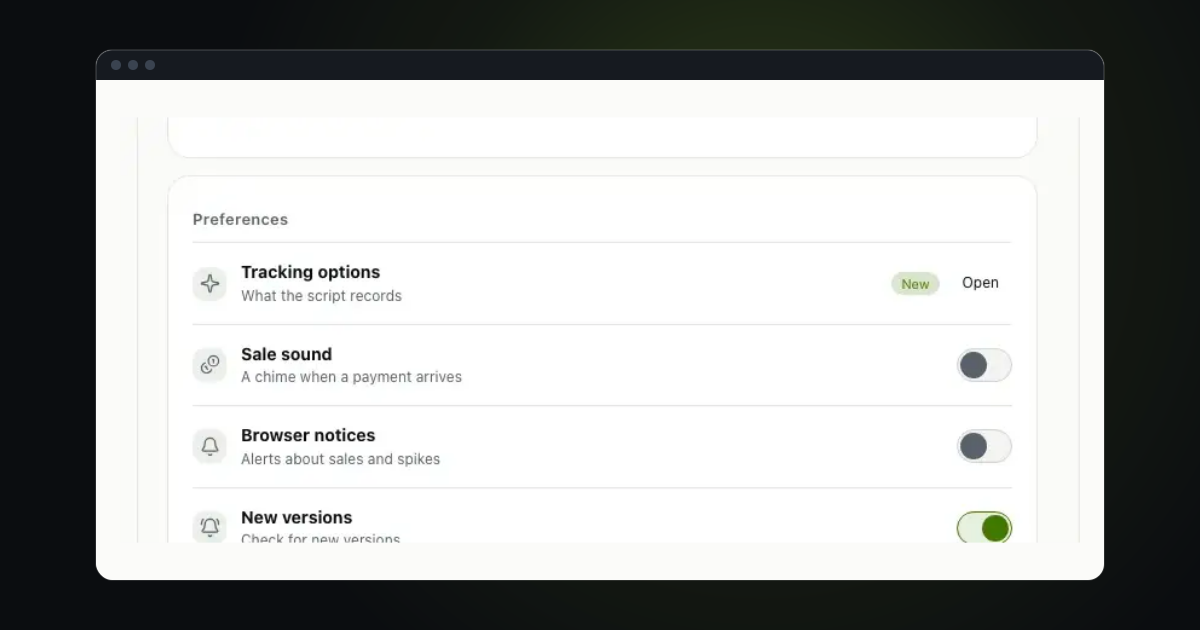
First turn the AI assistants & crawlers module on (Settings, General, What the script records). Until then nothing is recorded. The dashboard's empty crawler column also has Connect crawler data: three steps with your site's id, key and address already filled in.
On Cloudflare
A Worker on your domain's route. It passes every request on first and tells trckable afterwards with waitUntil, so neither a visitor nor a robot waits for it. Add the key as a secret named TRCKABLE_PROXY_KEY.
const BOTS = /chatgpt-user|oai-searchbot|claude-user|claude-searchbot|perplexity-user|perplexitybot|gptbot|claudebot|google-extended|ccbot/i

export default {
  async fetch(request, env, ctx) {
    const response = await fetch(request)
    const ua = request.headers.get('user-agent') || ''
    if (BOTS.test(ua)) {
      ctx.waitUntil(
        fetch('https://stats.example.com/api/crawl', {
          method: 'POST',
          headers: { 'content-type': 'application/json', 'x-trckable-proxy-key': env.TRCKABLE_PROXY_KEY },
          body: JSON.stringify({ s: 'tkb_yoursiteid', u: request.url, ua, st: response.status }),
        }).catch(() => {}),
      )
    }
    return response
  },
}
This list is shortened to fit here. The AI & Search docs carry the full list.
In a Next.js app
If you already use the trckable package, one helper does it, in middleware.ts:
import { reportCrawler } from 'trckable/server'

export function middleware(req) {
  reportCrawler({
    host: 'https://stats.example.com',
    site: 'tkb_a1b2c3d4',
    key: process.env.TRCKABLE_PROXY_KEY,
    url: req.url,
    ua: req.headers.get('user-agent'),
  })
}
It never waits for an answer and never throws, so a robot report cannot slow down or break a page.
On nginx, Caddy or Vercel
The docs have each setup. In nginx, a mirror copies each robot request to an internal location that posts it to trckable; it cannot see the status code, because the copy is made before the answer. Vercel's middleware reports after the response has gone, with the same limit.
Read and sent
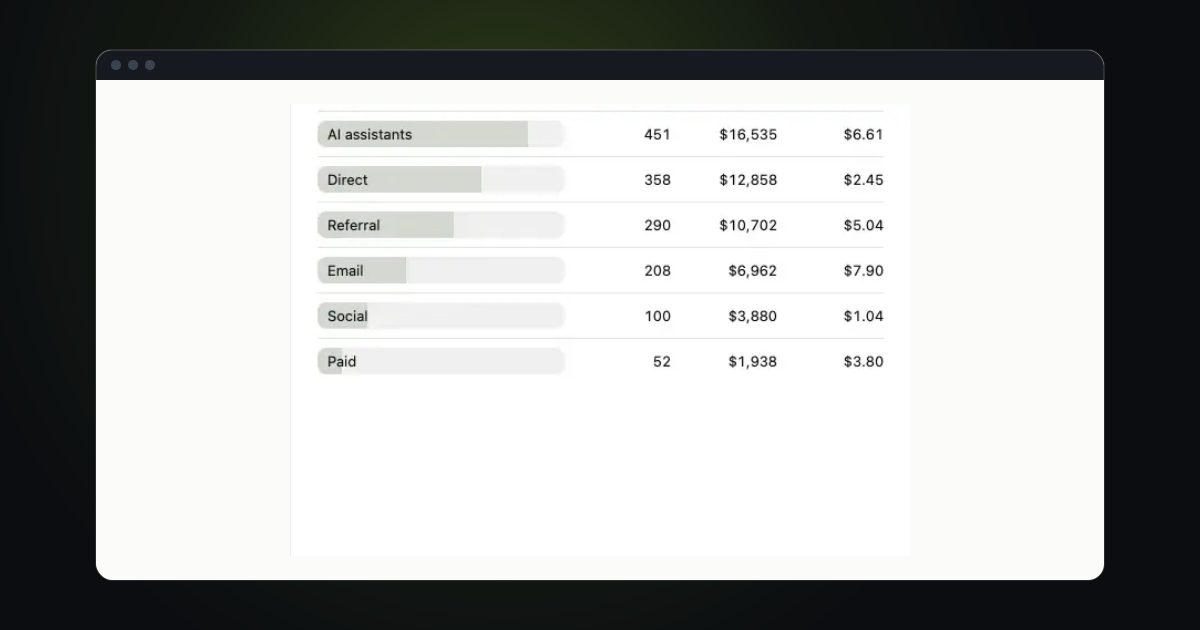
The dashboard's AI & Search tab shows three columns: Google's searches (from Search Console), the AI assistants that sent visitors, and the AI crawlers with the pages they read most. Each page shows how often crawlers read it and how many visitors AI assistants sent to it. Two badges point at what to look at:
- No credit: crawlers read the page at least 10 times and sent nobody. It may be used in answers without a link.
- Not read: Google sent the page at least 5 clicks and no AI crawler read it. This needs Search Console, and is only shown once robots are being reported at all.
Three patterns repay a look: pages read a lot that send nobody (try a clearer title and an answer that leaves a reason to click); pages that send visitors but are rarely read; and pages that rank on Google but are never read by AI, where the cause may be robots.txt, a login wall or content that only appears after JavaScript runs. Robots do not run it.
Deciding what to allow
Counting comes before blocking. If some robots should stay away, say so in robots.txt: the free AI crawler robots.txt generator groups them into training, search and user-initiated crawlers. It is a request, not a lock. Well-known crawlers honour it, while fetchers acting on a person's request may not. Blocking a crawler also removes you from what it can cite, so decide it page by page, not as a reflex.
Questions
- Can I see AI crawlers in Google Analytics?
- Not from the browser script, since robots do not run it. You need server, CDN or log-based data.
- Does this record visitors' IP addresses?
- No. Only the robot's name, the page and the day are kept. No address, no cookie, no visitor.
- Is the user agent proof it was really ChatGPT?
- No. Anyone can send any user agent. The vendors publish IP ranges you can check against when it matters.
- Will it slow down my site?
- The Worker and middleware setups report after the response with
waitUntil, or do not wait for the answer, so a visitor or a robot is not held up.
The newsletter
Notes on measuring what matters.
Occasional emails from Albi: new posts, one chart worth reading, what changed in trckable.
We send one email to confirm your address, and nothing more until you confirm. Every newsletter has a link to leave. What we keep, and who sends it: privacy.