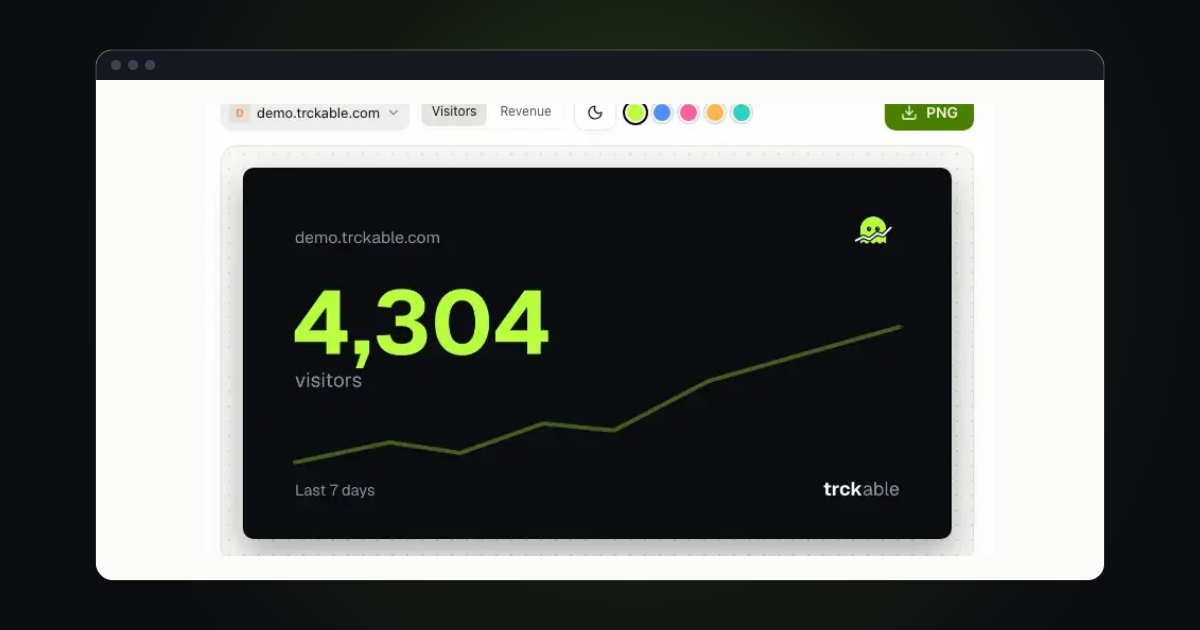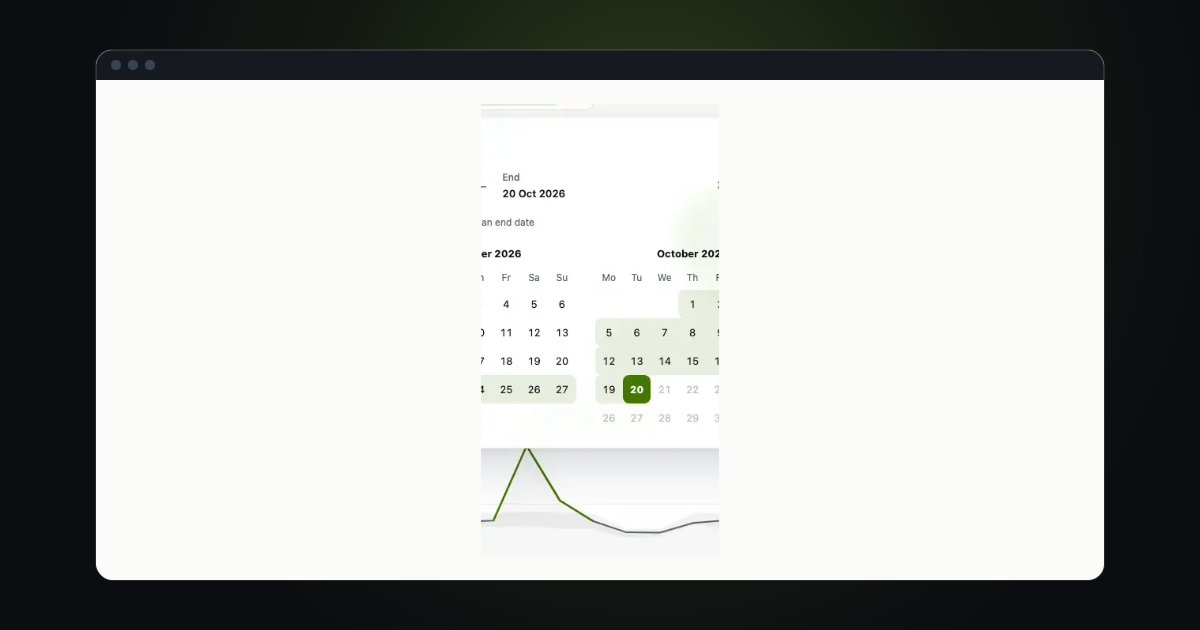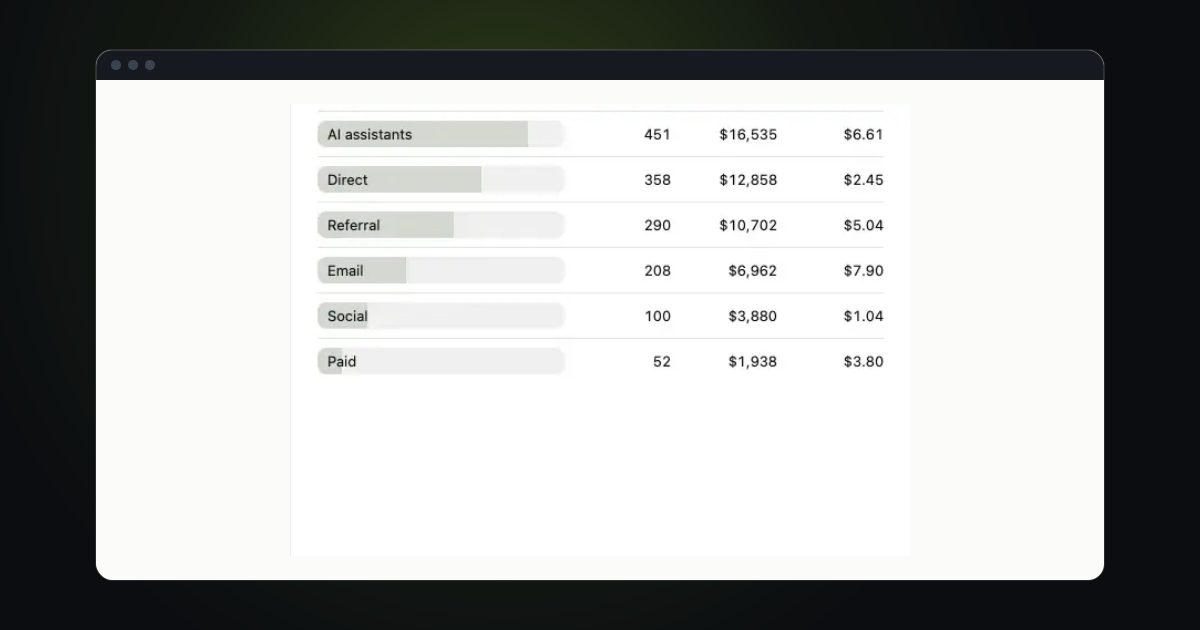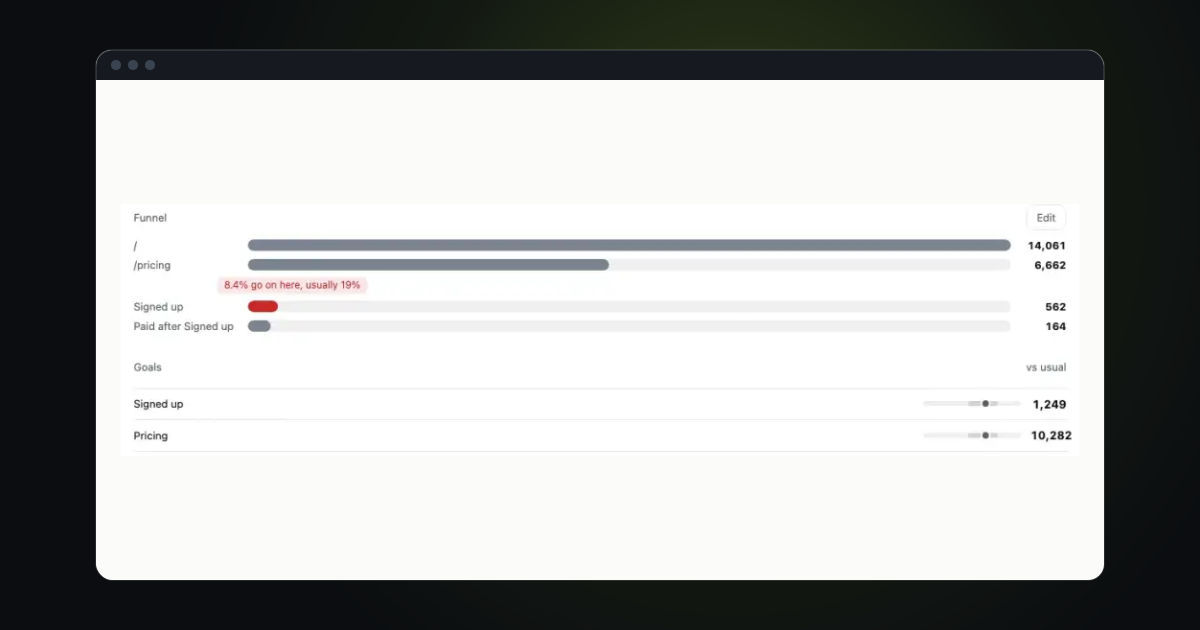
A sale is the one number you do not want to find out about a day later. trckable now tells you when money comes in, in plain words, and keeps the billing news for the people who own the account.
A line for each payment
Each paid payment on a site you track is sorted into one kind: a new customer, an upgrade, a renewal or a one-time sale. You see it as one short line, for example New customer · $38 · via Google.
The line shows in a few places: a toast in the dashboard, a notice in your browser and a pulse on Live. On the chart, the Sales moment says what its payments were.
Each payment is told once. If your payment provider sends the same payment twice, you still get one line. A payment that shows up late is told with its real time. Test payments tell nothing.
The Money in alert
The old Someone paid alert is now Money in. It sends one message for each new customer, each upgrade and each refund. A refund is told once for each part.
Renewals and one-time sales do not send a message. They show in the dashboard: the toast, Live and the Sales moment on the chart. A site gets at most 12 of these messages an hour.
Money in is on for new sites, and for sites that already had alerts on. It goes to the same place your other alerts go. You can turn it off with its own switch.
A receipt for your plan
When your own trckable plan is paid, every owner of the account gets a Payment received email. It shows the amount, the plan, what the payment was for, the next charge and the card. A button opens the invoice as a PDF.
Each owner also sees a notice in the bell: Payment received, with the amount. If a payment of yours fails, the bell says so, and asks you to update your card.
Billing news goes to owners only
Billing emails and bell notices now go to the owners of the account and nobody else. Members who are not owners do not see your invoices, your card or your usage warnings. If you have more than one owner, each of them gets the news once.
Try it in trckable
Connect your payment provider in <b>Settings → Revenue</b>, then check the Money in switch in your alert settings. New here? Install trckable first.
The newsletter
Notes on measuring what matters.
Occasional emails from Albi: new posts, one chart worth reading, what changed in trckable.
We send one email to confirm your address, and nothing more until you confirm. Every newsletter has a link to leave. What we keep, and who sends it: privacy.