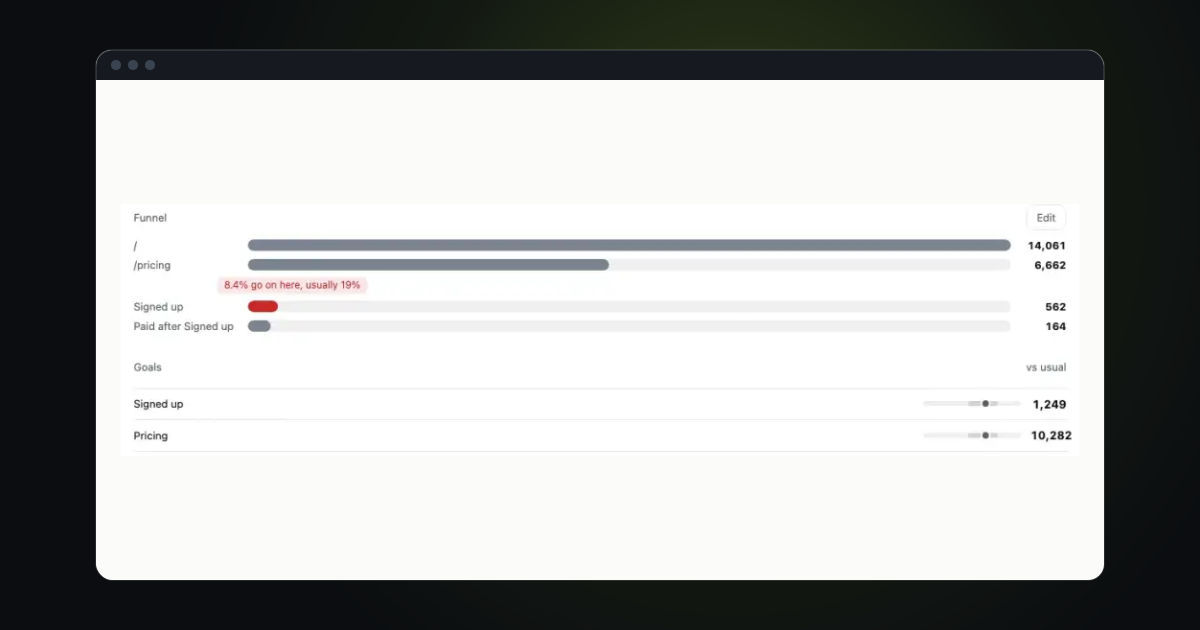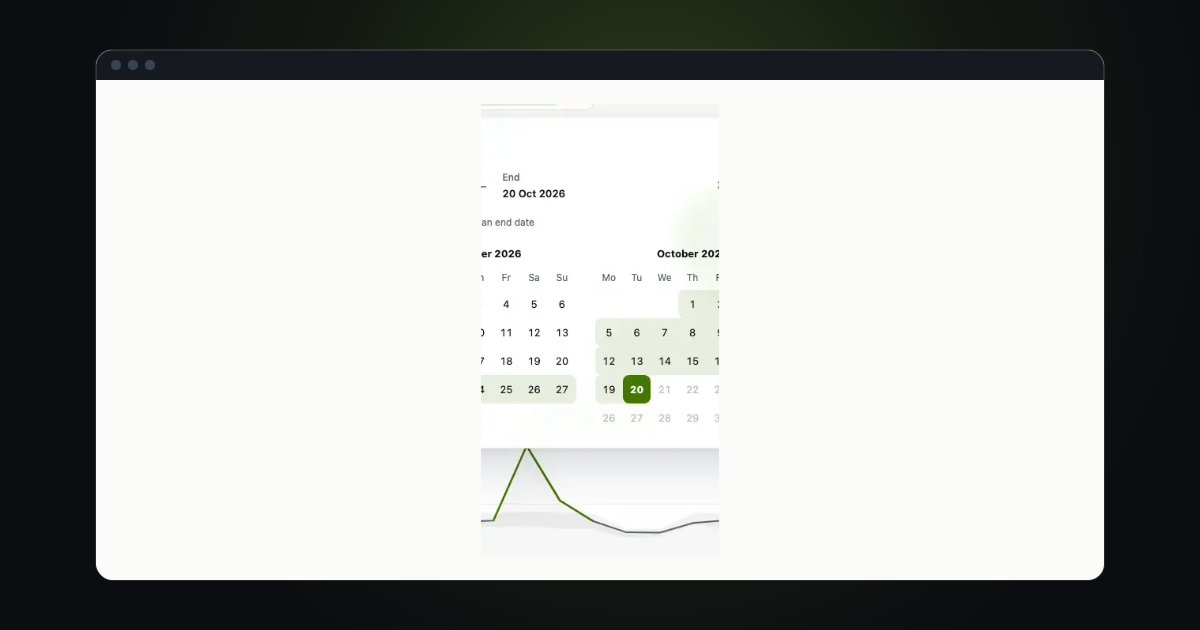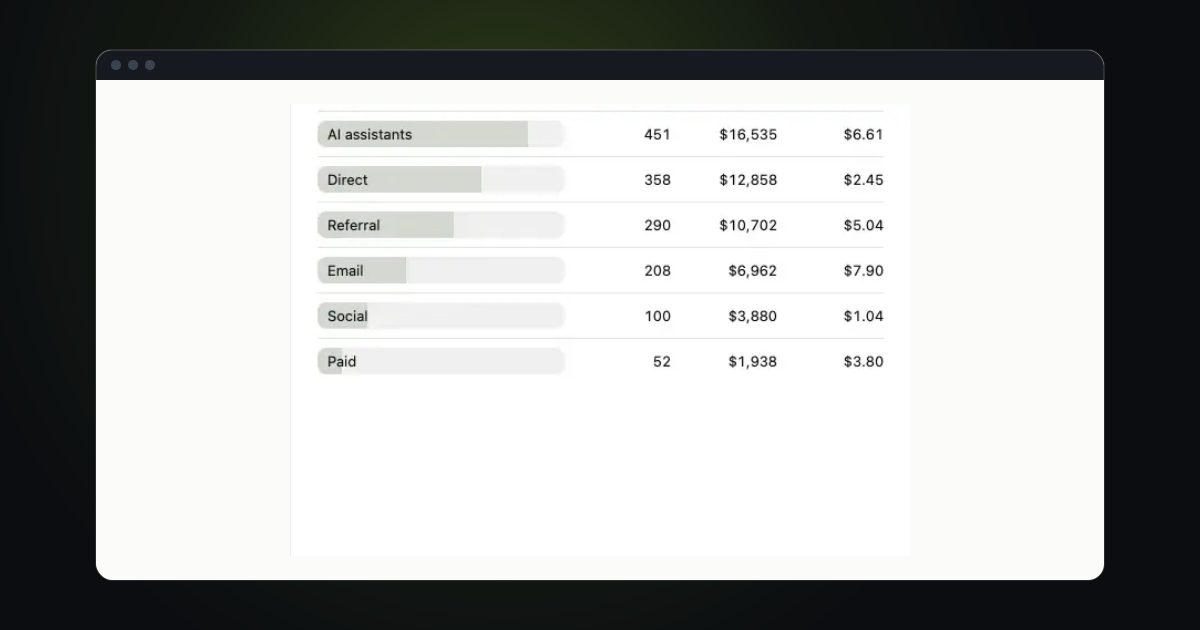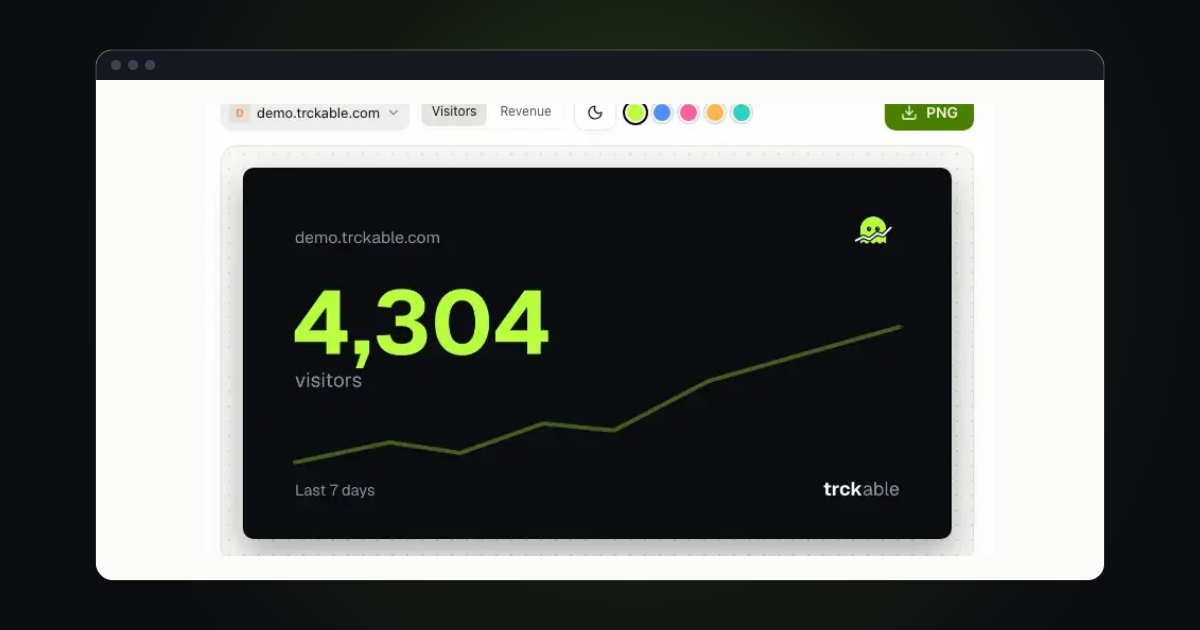
You do not need to know who someone is to know how they got to sign-up. You need the same visitor counted on every page, the sign-up counted as a goal, and the payment counted as revenue. Then every source has a number for sign-ups, not just for visits.
Count one visitor across hosts
Use one site with the parent domain as its domain, and put the same snippet, with data-domain set to that parent, on your website, your docs and the page where people sign up. They share one visitor across the subdomains. A step by step is in One site across your domains and the docs page Landing page and app.
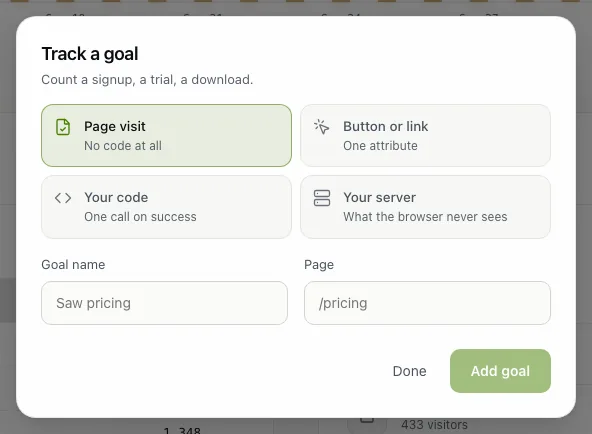
Count Signed up
On the sign-up page, a button or a form can count a goal with one attribute, for example data-trckable-goal="signed_up". That counts the attempt. To count only the sign-ups that worked, send the goal from your server once the account is made, with the visitor id from the trckable_vid cookie, the way Count goals and events shows under Your server. Send nothing about the person: no name, no address, no user id.
Count Paid
Connect your payment provider in Settings → Payments, and a payment becomes revenue tied to the visit that brought the customer. Track revenue walks through it. If you also want a Paid goal, send it from your server when the first payment lands, the same way as Signed up.
Good to know. Nothing here counts itself on your own site: you add the goals. The one place Signed up and Paid count automatically is trckable.com, which our own Cloud does for its own sign-up and first payment. It is how we measure our own journey, and it is not a setting you can turn on for your site.
Read the journey
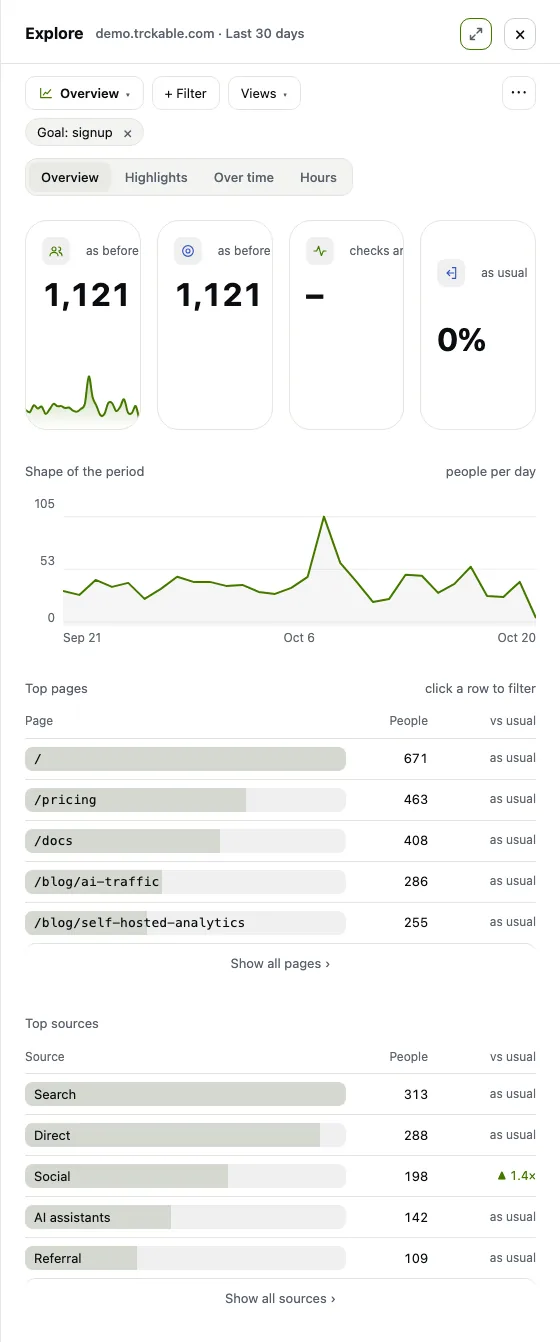
Open the goal's card in the Briefing and choose Go deeper: Explore opens narrowed to the people who reached the goal, shown as a Goal: signup chip. Switch to Overview and look at Top sources for where they came from and Top pages for what they read on the way. Sources → Sources that pay shows who became a customer. To start from the other end, click a docs page in Top pages and see how many of its readers signed up.
Try it in trckable
Add a signed_up goal on your sign-up page, open Goals and click it. New here? Install trckable first.
The newsletter
Notes on measuring what matters.
Occasional emails from Albi: new posts, one chart worth reading, what changed in trckable.
We send one email to confirm your address, and nothing more until you confirm. Every newsletter has a link to leave. What we keep, and who sends it: privacy.