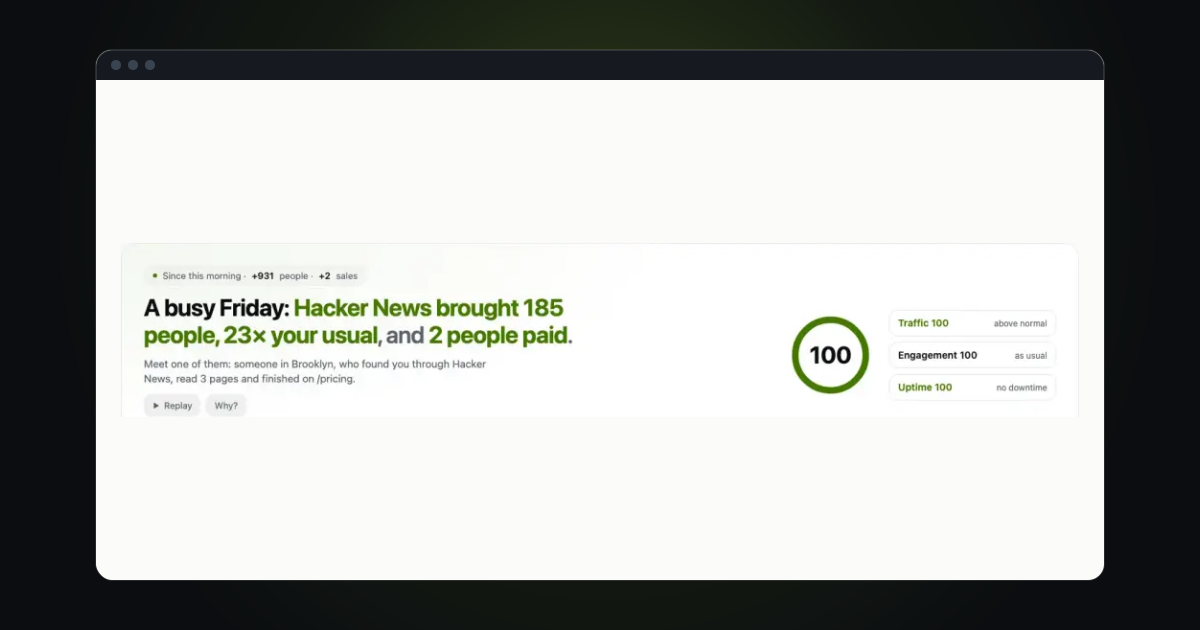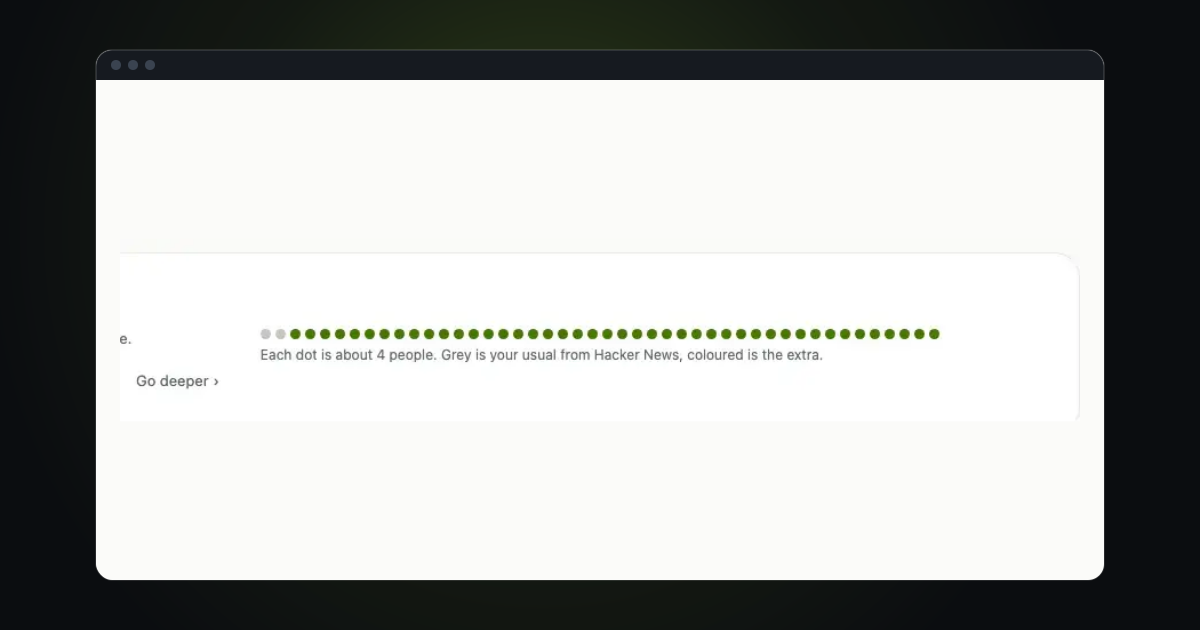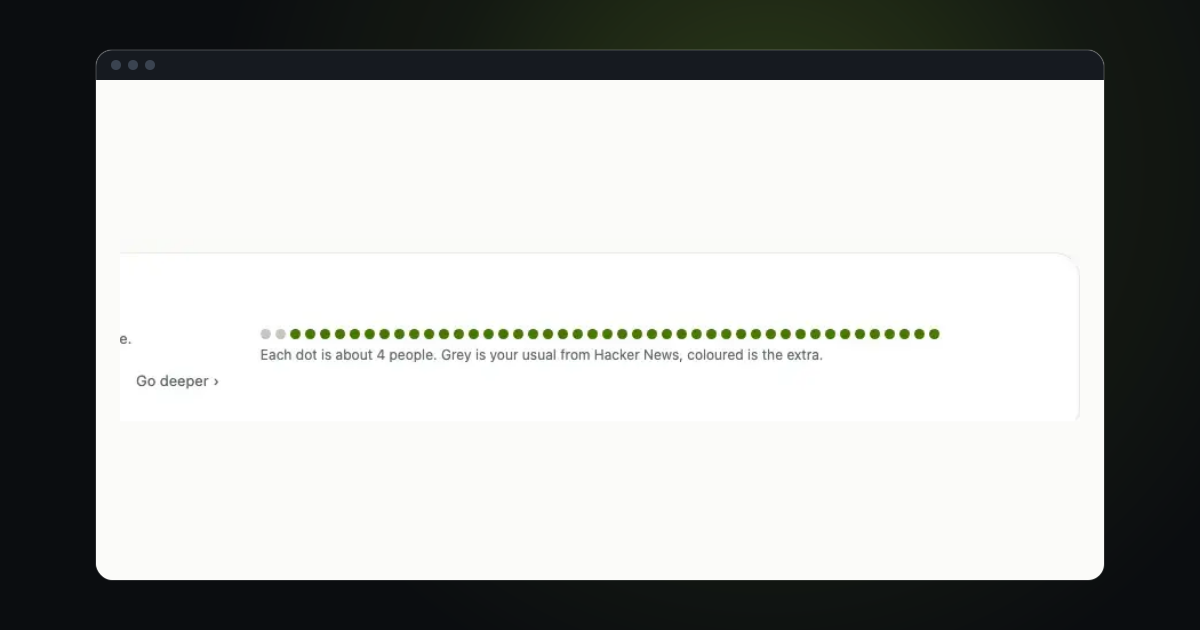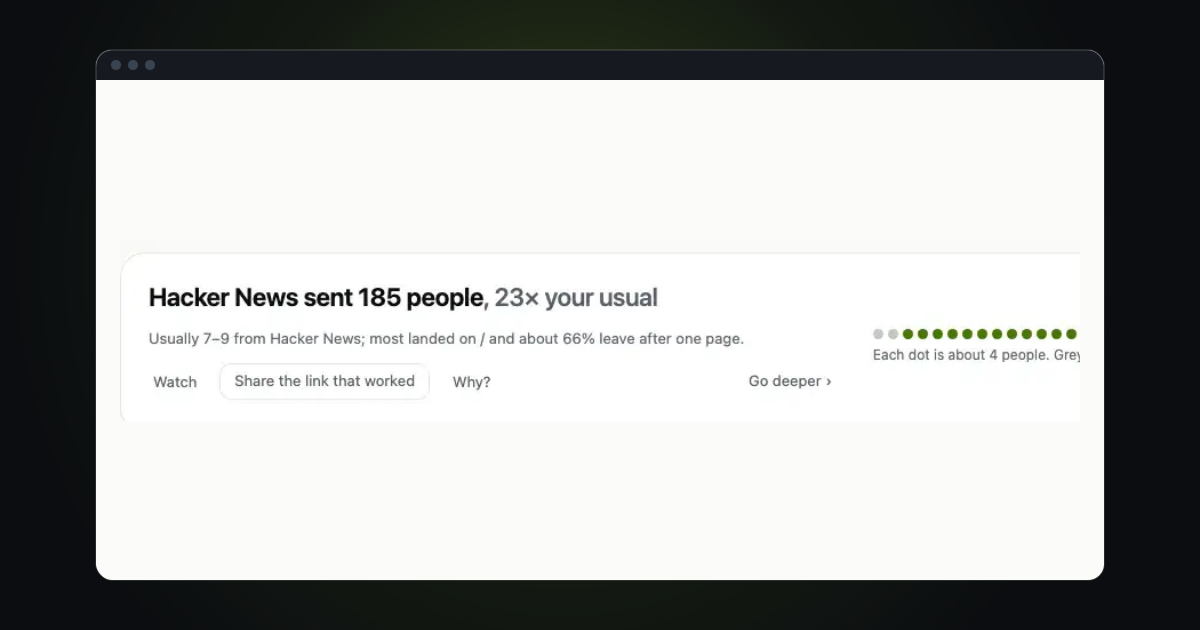
Saying "we are growing" is easy. Showing the page that proves it is better. A public link opens a live, read-only view of one site: the visitors, the sources, the pages. Nobody needs an account, and nobody can change anything.
Make the link
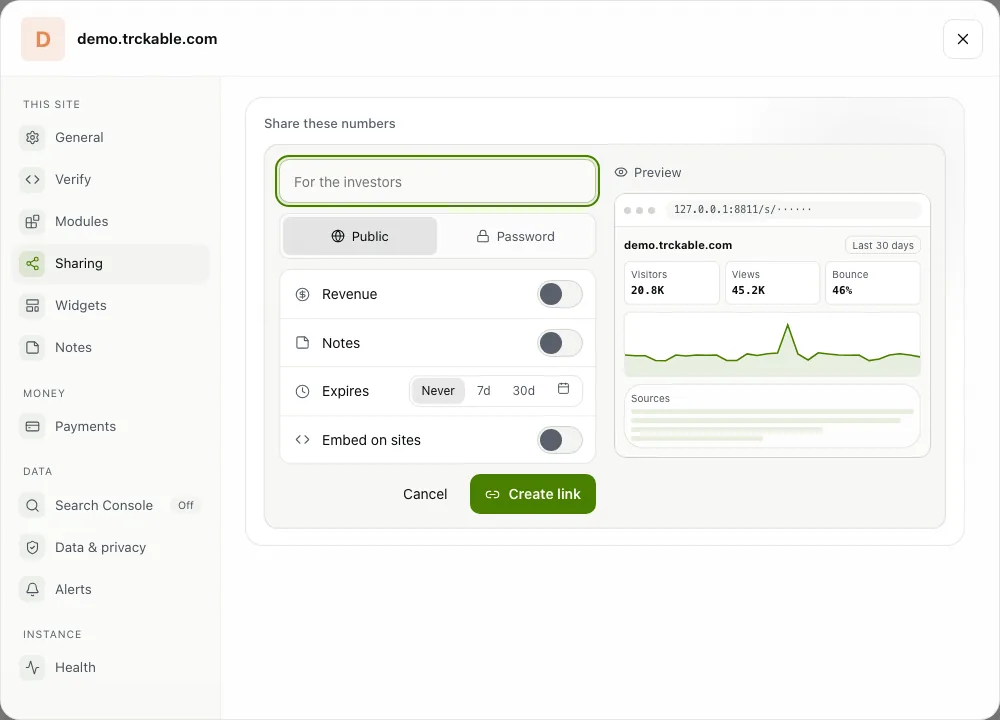
Open Settings → Sharing and choose New link. Name it so you can tell your links apart, for example "For the investors". Then choose:
- Who can open it: Public (anyone with the link) or Password (anyone with the link and the password).
- Revenue: off unless you switch it on. With it off, the server never sends the figure, so it cannot be found in the page.
- Expires: Never, 7d, 30d or an end date you pick. After it, the link stops working.
- Embed on sites: the addresses, such as
https://example.com, that may show the link inside their own page.
The Preview beside the form shows what people will see. Revenue and embedding are fixed once the link is made: to change them, make a new link.
Hand it out
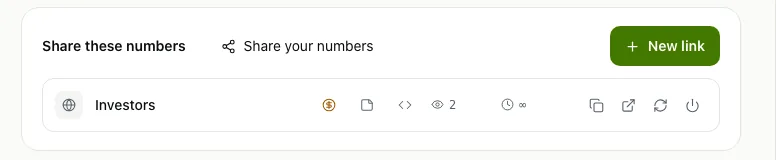
When the link is made, a dialog shows its address with Copy, Open, a QR code for a slide or a poster and, if you allowed embedding, the embed code. Later, each link keeps a row in Settings → Sharing: whether revenue, notes and embedding are on, how often the link was opened, when it ends, and Copy, Open, a new address and Revoke. The count of views tells you whether anyone looked. If a link gets out, Revoke ends it, or make a new address and the old one stops at once.
Know what people see
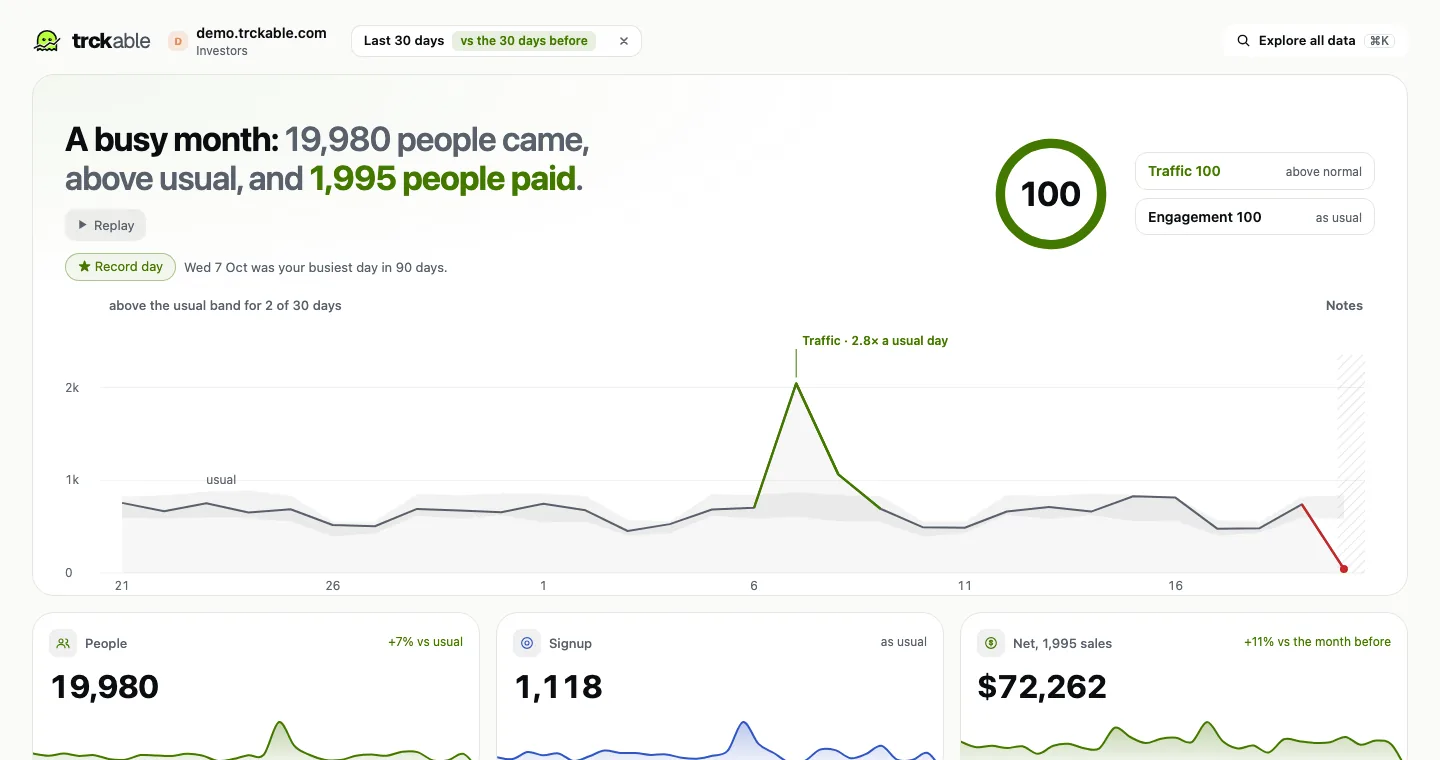
The link shows the site's numbers, read-only: visitors, sources, pages and the rest of what the dashboard counts. Nobody who opens it can change a setting, and it never shows who your visitors are, because trckable does not know that. Whether it shows revenue is the one choice you make for each link, and the answer is no until you say yes.
The how-to for cards, links and CSV is in Share and export.
Try it in trckable
Open Settings → Sharing, choose New link, leave revenue off and send it to one person. New here? Install trckable first.
The newsletter
Notes on measuring what matters.
Occasional emails from Albi: new posts, one chart worth reading, what changed in trckable.
We send one email to confirm your address, and nothing more until you confirm. Every newsletter has a link to leave. What we keep, and who sends it: privacy.