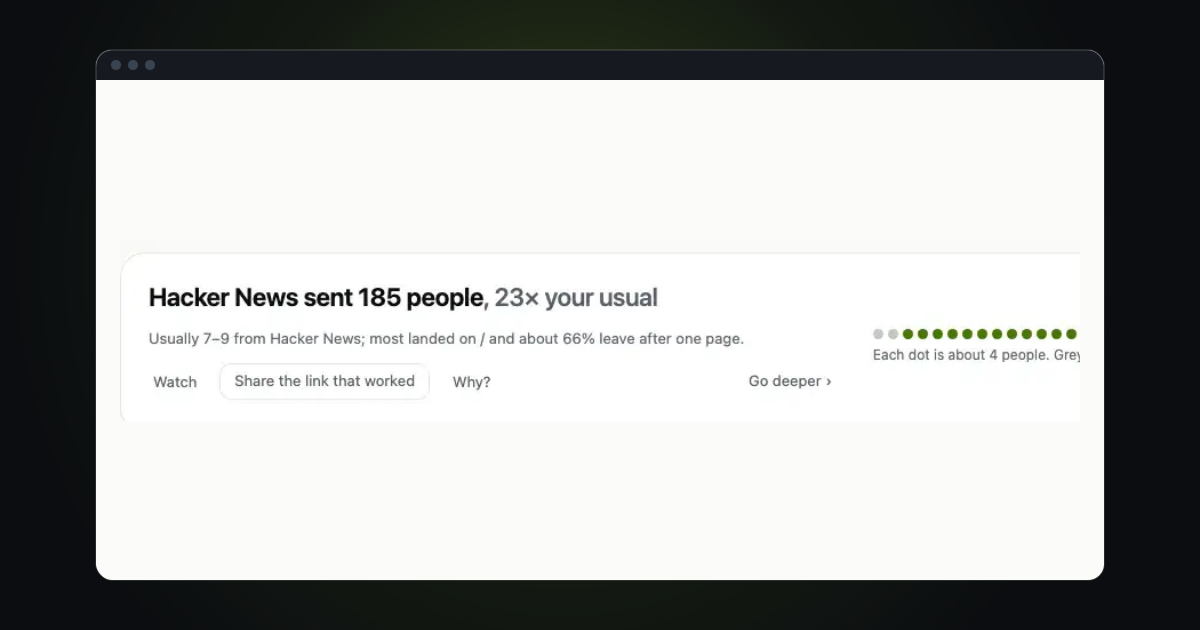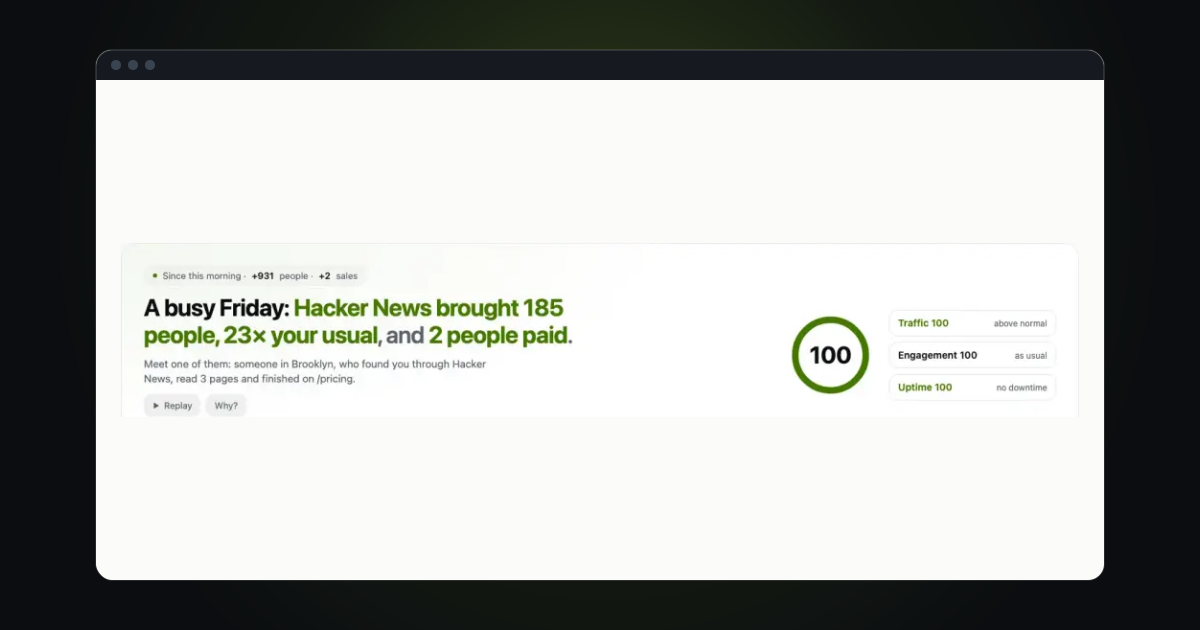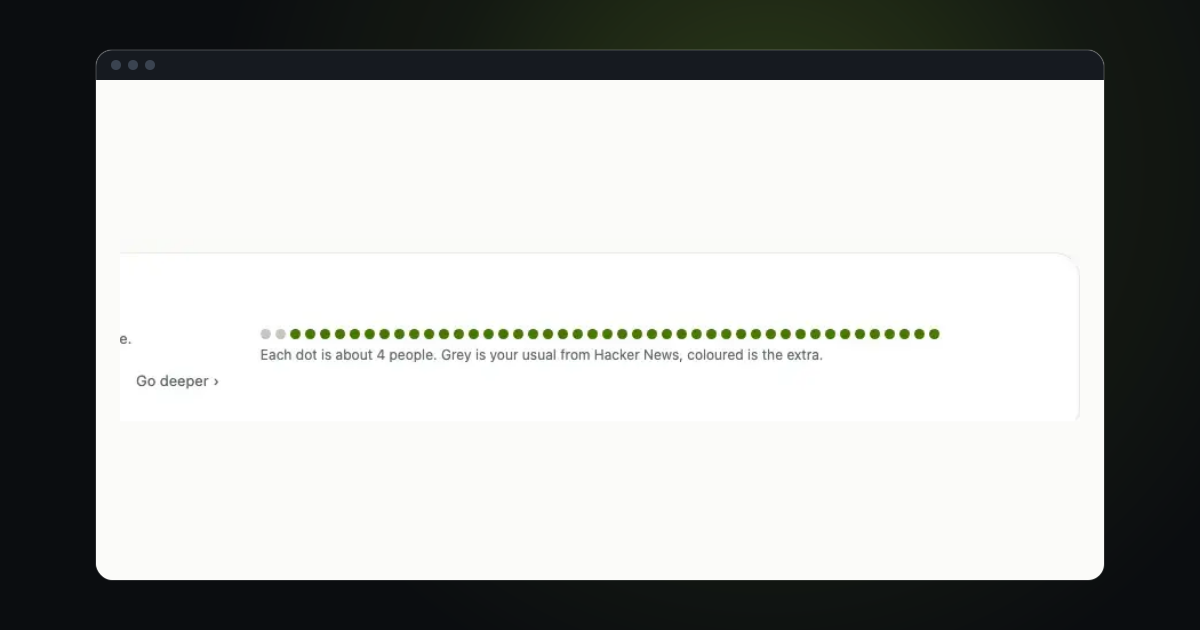
You post the same site in five places in a week: a newsletter, a tweet, a directory, a comment, a launch page. Afterwards you want to know which one worked. The answer is one small tag on the link, and a card that reads it back to you.
Tag the link
Add ?ref= and a short name to the address you share, for example https://example.com/?ref=newsletter. Another way is utm_source, the tag that campaign tools use: https://example.com/?utm_source=newsletter. trckable reads either one. Pick names you will recognise later, in lower case, and use the same name every time you share in the same place.
If you want a tidy list of tagged links to copy, the free UTM builder makes them and keeps the ones you made. The glossary explains UTM parameters and the referrer in a few lines each.
Find Your links on the dashboard
Your links is a page of its own: open it from the ⋯ menu. It lists every tagged link for the period you are looking at. Each row has the link's mark and tag, a bar for its visitors and, when it applies, a badge for the goal reached. A tap on a row shows the dashboard for that link alone, so every other number answers for the people it sent. When a link brings a jump, the chart marks the day: see what caused each jump.
Before the first tagged visit, the page shows a sample link you can copy.
Read a row
Each row on the page shows:
- the bar of its visitors;
- the visitors who reached a goal;
- the revenue credited to the link, once payments are connected;
- a 30-day line;
- when it last brought someone.
That makes it easy to tell a link that brought a crowd from a link that brought customers. For the goals and revenue, see Count goals and events and Track revenue.

One tag, one source
A link tagged ?ref=trustmrr and a visit from trustmrr.com are one source in the Referrers list: the tagged visits join the site's row when that site also sent visitors in the same period. A tag whose site never appeared stays as its own row. New-referrer notices and a spike's top referrer count them as one source too, so one place never shows up under two names.
Try it in trckable
Tag the next link you share with ?ref= and a name, then open Your links under the chart after the first visit lands. Not set up yet? Install trckable first.
The newsletter
Notes on measuring what matters.
Occasional emails from Albi: new posts, one chart worth reading, what changed in trckable.
We send one email to confirm your address, and nothing more until you confirm. Every newsletter has a link to leave. What we keep, and who sends it: privacy.