In short
- Install
trckable, add the<Analytics />component with thecookielessprop, and add one route handler. Route changes are counted as page views automatically. - In cookieless mode nothing is written to the browser: no cookie, no local storage. Visitors are counted with a hash that changes every day.
- Events go through your own domain, so there is no analytics script file for a blocklist to match by name.
- Going cookieless is not a legal answer by itself. Read cookieless analytics and GDPR before you remove a banner.
Install the package
npm i trckableThe package is MIT licensed, has no dependencies, and adds about 2.3 KB gzipped to a React app (the numbers CI measures). It talks to a trckable server: your own, or trckable Cloud at https://cloud.trckable.com.
Prefer a command? npx trckable init looks at the project and prints exactly what it would change; it writes only with --yes.
Add the component, with cookieless
In the App Router, put it once in the root layout:
// app/layout.tsx
import { Analytics } from 'trckable/next'

export default function RootLayout({ children }: { children: React.ReactNode }) {
  return (
    <html lang="en">
      <body>
        {children}
        <Analytics site="tkb_a1b2c3d4" cookieless />
      </body>
    </html>
  )
}
site is your site's public id. The cookieless option means no cookie and nothing else stored in the browser. It starts exactly one tracker, even under React's StrictMode double render.
On the Pages Router, the same component works in pages/_app.tsx: import Analytics from trckable/react, which works anywhere React renders, and render it next to <Component />.
Add the route that carries events
// app/api/e/route.ts
export { POST } from 'trckable/next'
Then two environment variables: your server's address, and the site's proxy key from Settings, General, For developers. The key stays on your server and never reaches the browser.
# .env
TRCKABLE_HOST=https://stats.example.com
TRCKABLE_PROXY_KEY=your-proxy-key
The route is why this setup is called the accurate one. An event sent to /api/e on your own domain, from code that is part of your bundle, looks like your app talking to itself. Say "more accurate", not "unblockable". The key also lets your server pass on the visitor's real address and country, instead of counting everyone as your server. Without it the route answers with an error that says what to set.
Check it
npx trckable doctor --host https://stats.example.com --url https://example.comdoctor only reads. It checks the server, the script, the proxy key and that visitors are seen at their own address, and it reports cookieless (stores nothing) when the mode is on. Then open your site in a private window and look in DevTools, Application, Cookies and Local Storage: both should stay empty of anything from trckable.
What it counts
Page views for every App Router navigation, once each. Goals, with a call or with no code:
import { track } from 'trckable'

track('signup', { plan: 'pro' })
<button data-trckable-goal="signup" data-trckable-goal-plan="pro">Start trial</button>Referrers, campaigns, country, device, and time on page come along. Do Not Track and Global Privacy Control are honoured in cookieless mode: those visits are dropped before anything is stored.
What it cannot do
Be clear with yourself about the cost:
- A visitor is new every day. The same person returning tomorrow counts again, and new-versus-returning is off.
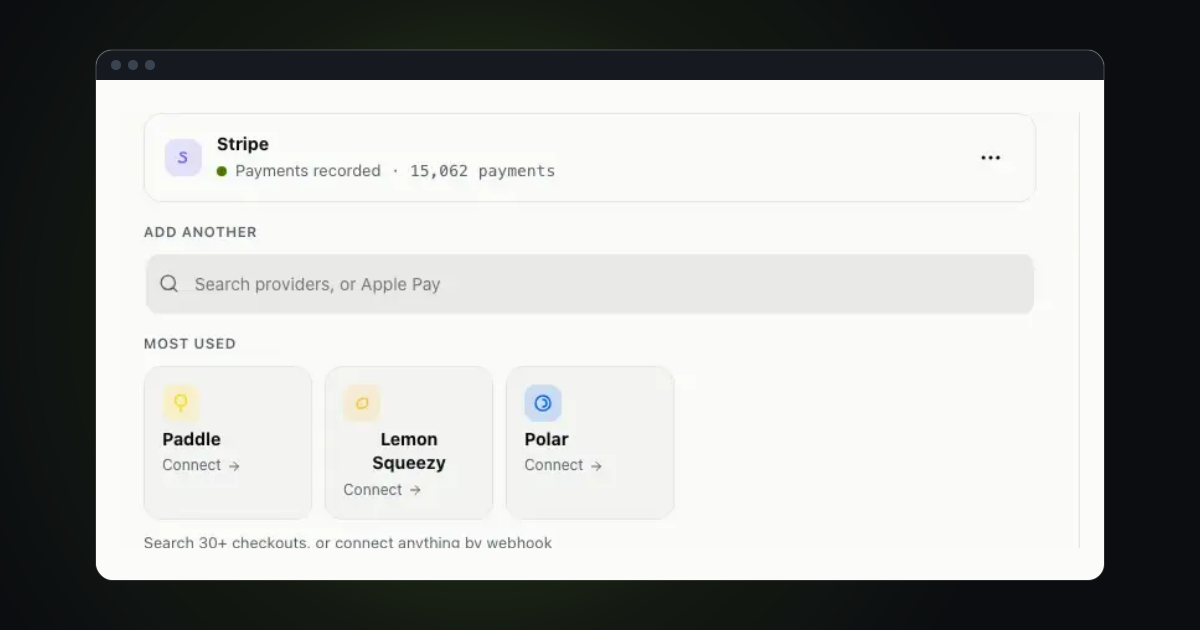
- Revenue is credited only to a visit from the same day. If you sell through Stripe, Paddle, Lemon Squeezy, Polar or Dodo, a purchase a week after the first visit cannot be tied back to it.
- Sessions also end at midnight UTC.
- Failed sends are not retried later. In the default mode, events that cannot be sent are kept in the browser and sent on a later page. Cookieless mode keeps nothing in the browser, so it only retries from memory while the page is open.
If you need those, keep the cookie and ask first: pass no cookieless and use a cookie banner, or let trckable read the consent manager you already have. After consent you can call consent(true) to switch a cookieless tracker to cookie mode.
import { consent } from 'trckable'

consent(true) // the visitor agreed: switch to cookie mode
One more thing in the app
Robots such as AI crawlers never run your script. If you want to see them, a few lines in middleware.ts forward them. That is covered in how to see AI crawlers on your site.
Questions
- Do I still need a cookie banner?
- It depends on your visitors' countries and on what else is on your pages. Cookieless removes the cookie, which removes one reason to ask, but several countries still generally ask for consent, such as Germany and Austria. The GDPR guide goes through it; it is not legal advice.
- Does it work with the Pages Router and with client-side routing?
- Yes. Use
trckable/reactin_app.tsx. Client-side route changes are counted as page views, once each. - Where do I get the site id and the proxy key?
- The site id is in Settings, Install. The proxy key is in Settings, General, For developers.
The newsletter
Notes on measuring what matters.
Occasional emails from Albi: new posts, one chart worth reading, what changed in trckable.
We send one email to confirm your address, and nothing more until you confirm. Every newsletter has a link to leave. What we keep, and who sends it: privacy.