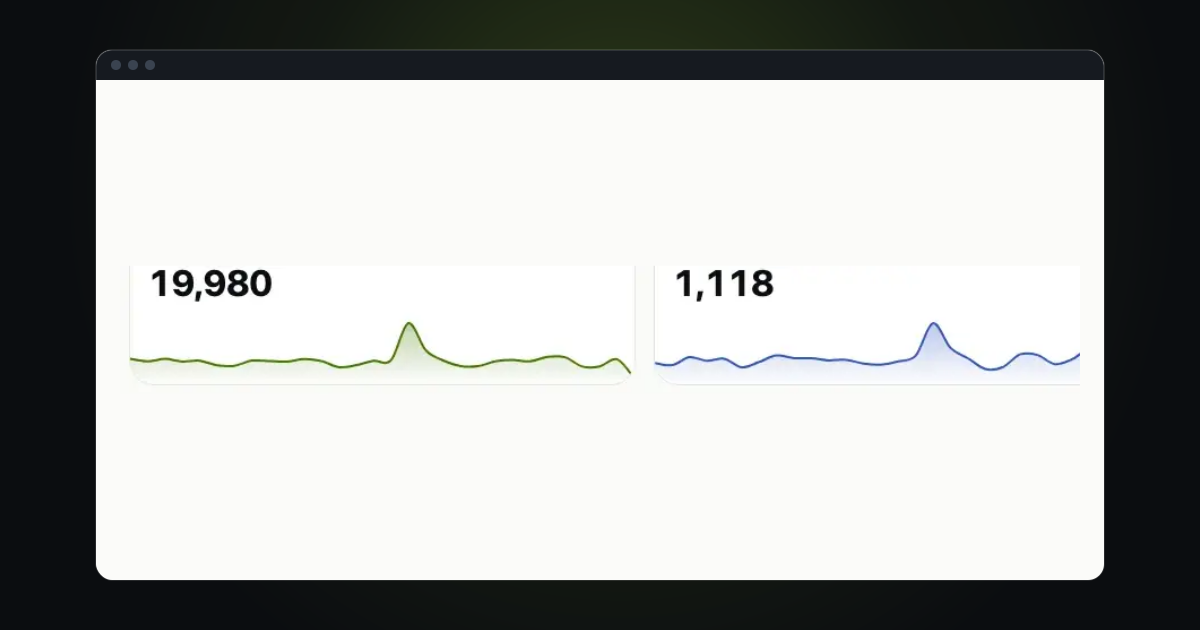
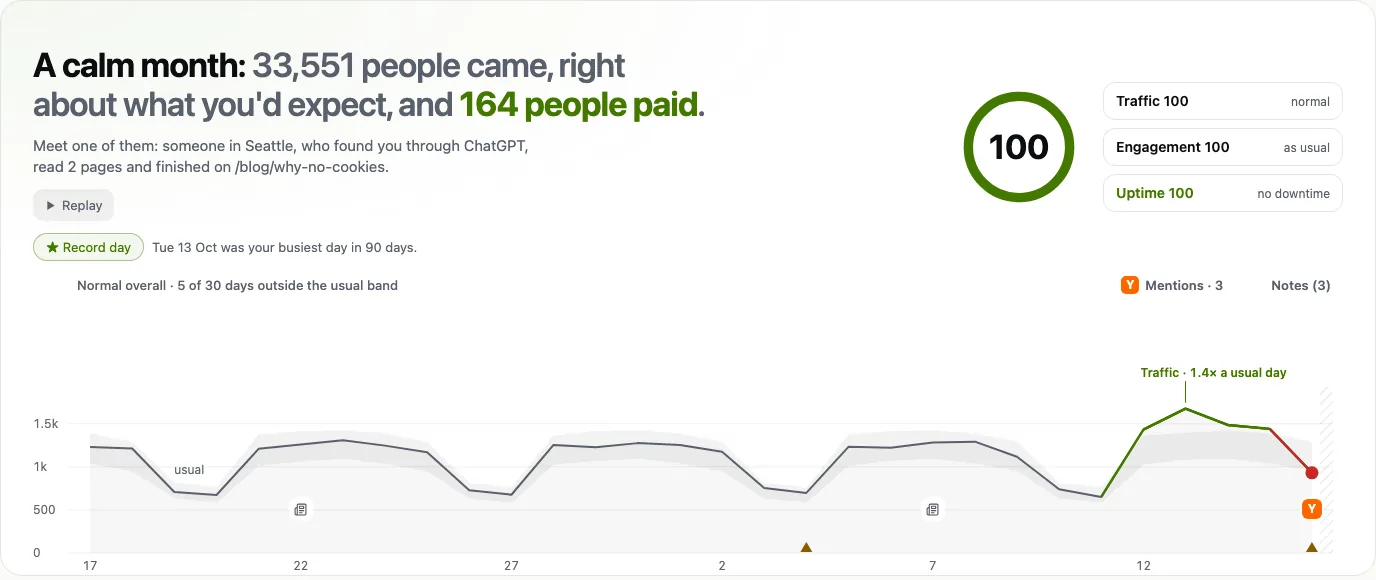
A chart tells you that Tuesday was big. It does not tell you what happened first. Replay draws the period again, one step at a time, and stops on the things worth knowing.
Press play
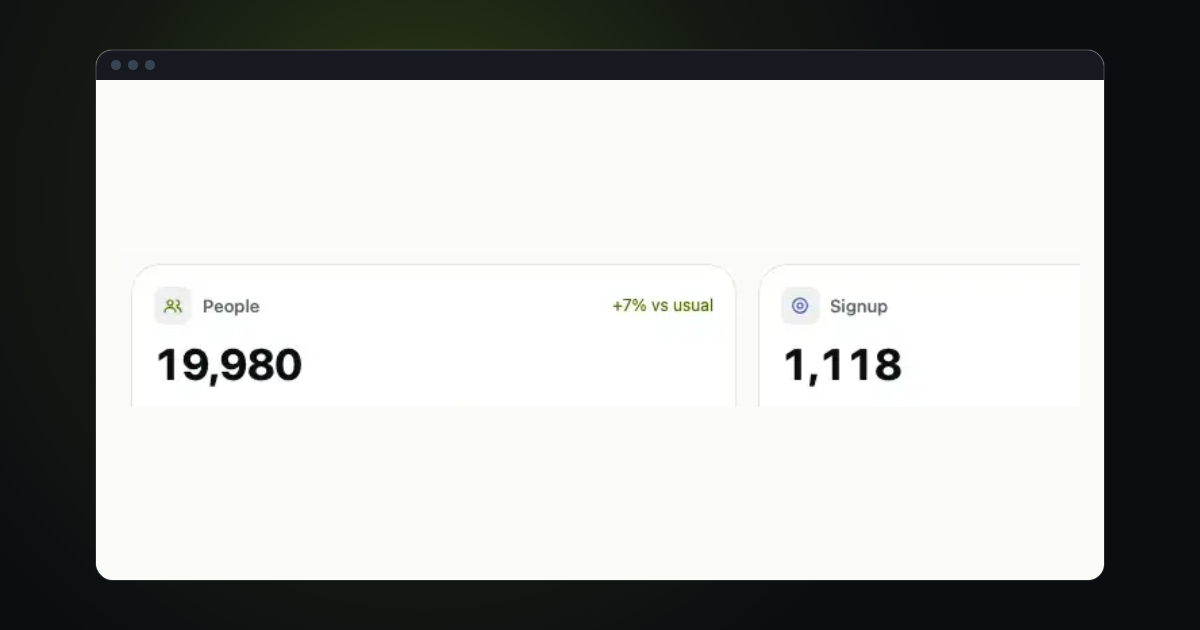
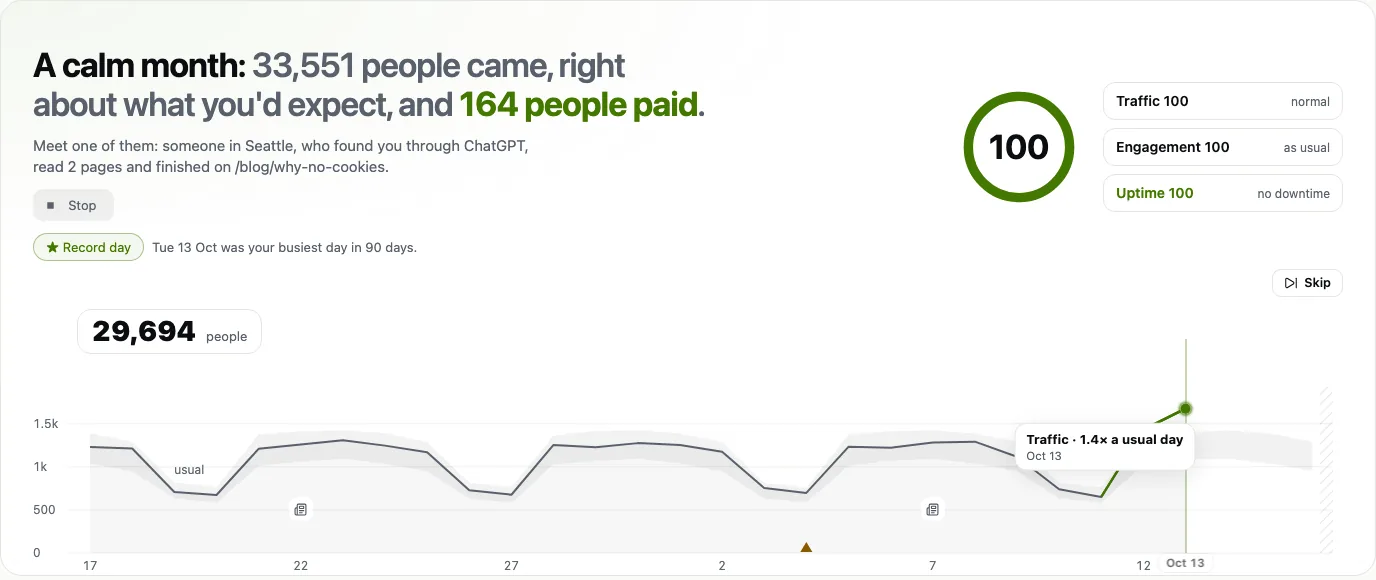
Pick a period, then press Replay under the headline of the Briefing (or press R). Only the part already played is drawn, with the rest unknown ahead of it. The tiles count up to the playhead, and the lists race and overtake each other. A short span, such as one day, plays hour by hour.
Stop or skip
While it plays, Stop ends it where it is and Skip jumps to the end. The speed follows the length of the period, so a week and most of a year both feel right, and Replay again plays it once more.
Watch for the moments
The chart carries chips for the moments worth a look: sales, a busier day, a mention, a new referrer, a milestone and the first visit from an AI assistant. Click one for the story behind it.
When a mention explains a jump, Replay says so in plain words, for example that it was posted on Hacker News and how many visitors came from it.
Look at one day
To look at a single day, drag across the chart: every number, card and map moves to that moment, and the part of the line to the right turns grey. Move off the chart and it returns to the whole period.
With reduced motion switched on in your system, Replay steps from point to point instead of gliding, and nothing else changes.
Try it in trckable
Open your dashboard, choose Last 30 days and press the play button in the corner of the chart. Not set up yet? Read the dashboard first.
The newsletter
Notes on measuring what matters.
Occasional emails from Albi: new posts, one chart worth reading, what changed in trckable.
We send one email to confirm your address, and nothing more until you confirm. Every newsletter has a link to leave. What we keep, and who sends it: privacy.