Most days nothing needs you. The trick is hearing about the day that does. trckable keeps watch and sends two kinds of message: a weekly summary, and an alert when something happens.
Read your week
The weekly email is called Your week. It carries the four numbers with their change on the week before, the top sources and pages as small bars, one line about AI when there was something (for example how many visitors AI assistants sent), the week's findings, and one button, Open your week, which opens the dashboard on that week against the one before.
The findings appear only when there is enough volume to say so: a source that moved, the source that pays best per visitor, a page that lost buyers, a new referrer. When nothing clears the floor there are no findings, and money lines appear only when payments are connected. A site that has never had a visit is not sent a weekly report.
See what is on from the start
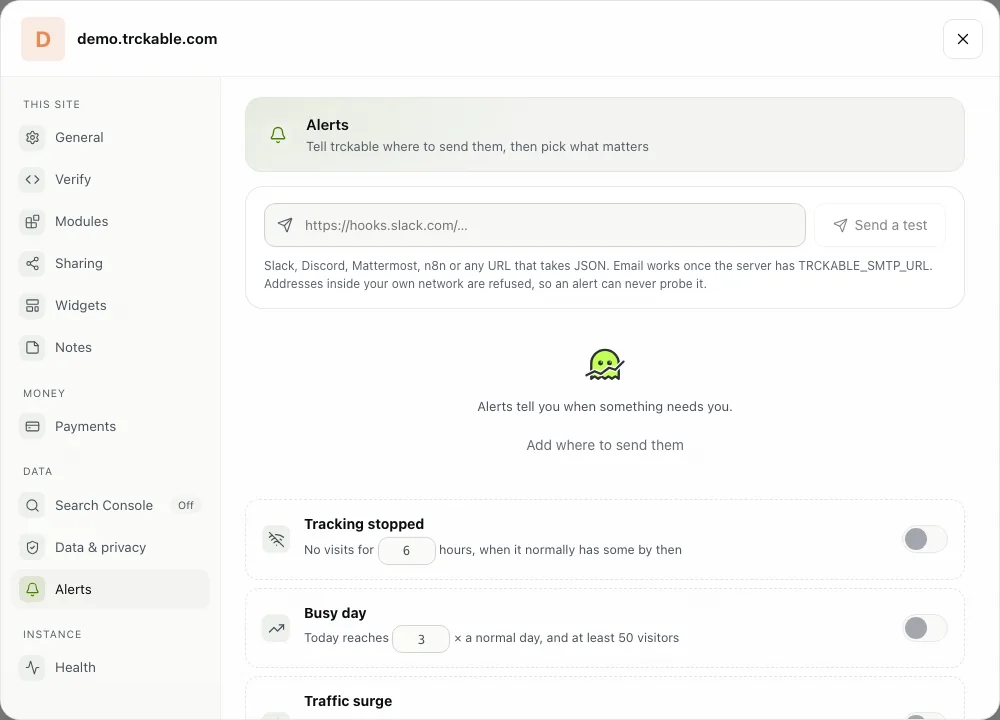
A new site starts with the Weekly report and Tracking stopped switched on, so the numbers and the one alert that matters reach you without opening anything. They go to where your account's other alerts already go, such as a Slack or Discord webhook, or else to the account's first owner by email. If there is nowhere to send them, nothing is turned on, and the dashboard offers Weekly email as a switch that opens the Alerts tab.
Choose your alerts
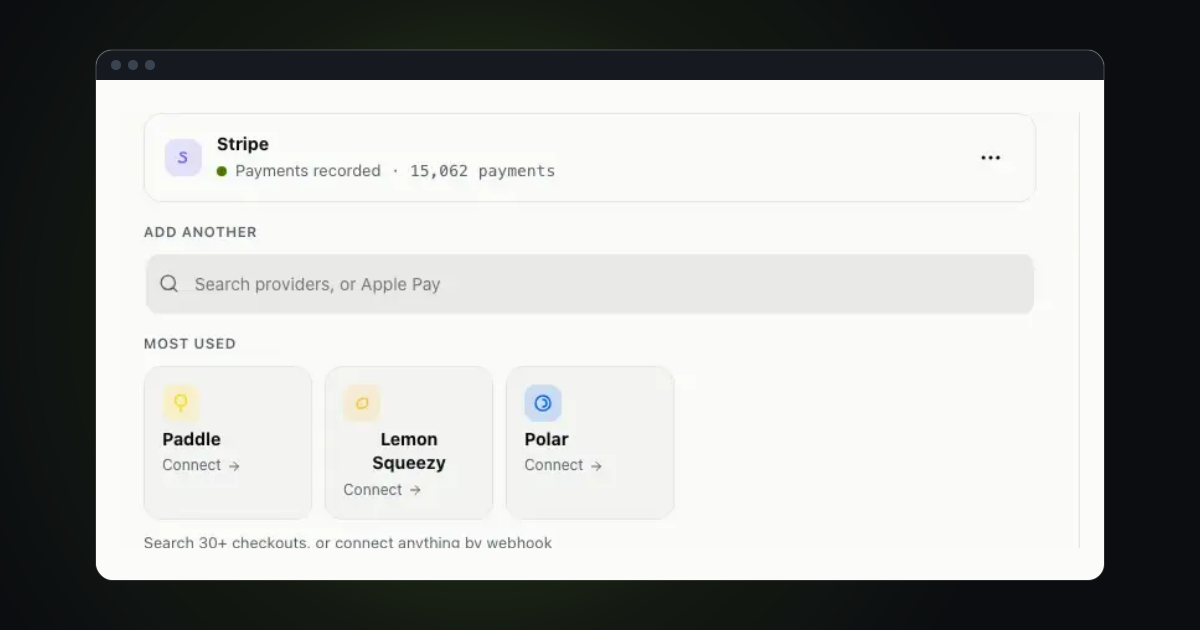
In Settings → Alerts, pick where messages go (a Slack, Discord or Mattermost webhook, an n8n webhook, any URL that takes JSON, or an email address) and press Send a test. Then switch on what you want:
- Tracking stopped, when no visits arrive for hours; the email says what happened, what the checks suggest and has an Open site status button;
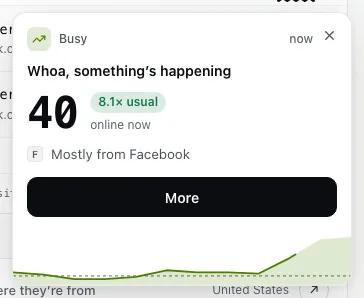
- Busy day and Traffic surge, when the site is far busier than usual (see Live view and surge alerts);
- Money in, Milestone reached and Disk filling up;
- Mention, which tells you when a mention brings 20 or more visitors or reaches the Hacker News front page, and is off until you turn it on;
- Weekly report, the email above.
A site that goes down also gets its own message with the cause, once (see Know when your site is down). Every alert email ends with a link that stops that one alert.
Send a report to someone else
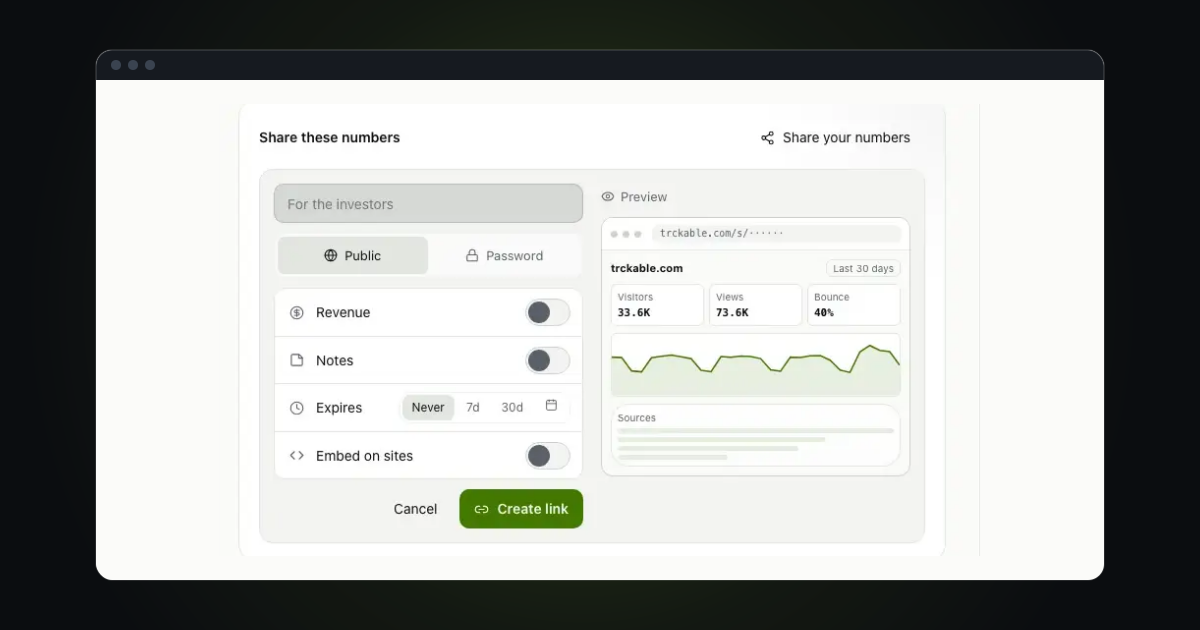
For a client or a teammate, Settings → Alerts → Client reports sends a site's numbers weekly or monthly by email, with a PDF if you like, to up to ten addresses, in the language you pick for that schedule: English, German, French, Spanish, Italian or Dutch.
Try it in trckable
Open Settings → Alerts, add where messages should go, press Send a test, and check Weekly report is on. New here? Install trckable first.
The newsletter
Notes on measuring what matters.
Occasional emails from Albi: new posts, one chart worth reading, what changed in trckable.
We send one email to confirm your address, and nothing more until you confirm. Every newsletter has a link to leave. What we keep, and who sends it: privacy.