The dashboard now does less to get in your way. Here is what changed.
One period control
The period and the compare option used to be two controls. They are one now. Pick the period, and choose what to compare it with inside the same menu. See Read your dashboard for the periods.
Which link worked?
The links card used to be a bar list. It is now a card that answers one question: which link worked? It shows the links that brought the most visitors, goals and revenue. The page for each link is in Your links.
A skeleton that matches the page
While the dashboard loads, you see a grey outline of the page. It has the same cards in the same places, so nothing jumps when the numbers arrive.
Refreshes that swap numbers silently
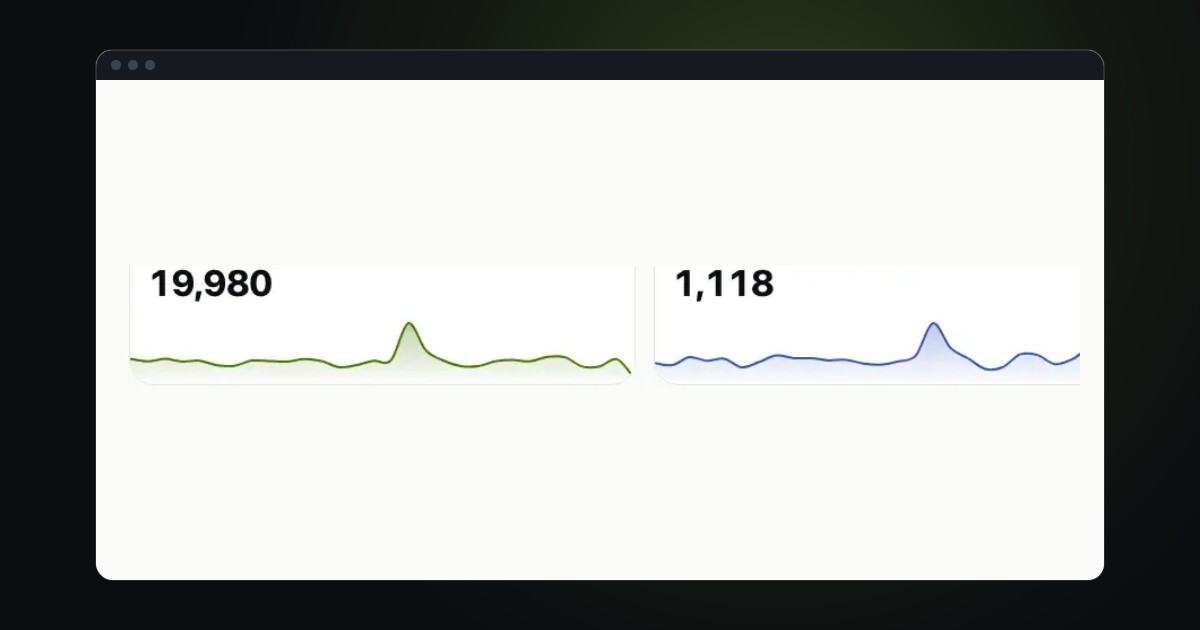
When the numbers refresh, they change in place. There is no loading bar and no shimmer. If a number did not change, nothing moves.
Fewer leaks and fewer requests
The page now asks for each thing once. Repeated requests are gone, and what the page opens is closed again when you leave it. A dashboard left open all day stays light.
Try it in trckable
Open your dashboard, pick a period and choose a comparison in the same menu. New here? Install trckable first.
The newsletter
Notes on measuring what matters.
Occasional emails from Albi: new posts, one chart worth reading, what changed in trckable.
We send one email to confirm your address, and nothing more until you confirm. Every newsletter has a link to leave. What we keep, and who sends it: privacy.